What if Google could reveal far more than you think?
Most people type simple queries and scroll through results. Investigators, journalists and analysts do something else. They ask better questions.
Google Dorking turns a basic search engine into a precision tool. It exposes files, directories and information that were never meant to be easy to find.
That’s why it matters today. Data is everywhere. The difference lies in how you search.
What is Google Dorking
A simple definition
Google Dorking is a search technique that uses advanced operators to uncover specific data indexed by Google.
It is not hacking. It does not break into systems. It works on publicly available information.
Yet the results can feel intrusive. That’s where responsibility comes in.
Why Google Dorking works so well
Search engines index everything they can access. Misconfigured servers, exposed documents, forgotten directories.
Google doesn’t decide what is sensitive. It simply indexes.
This creates a gap between what is public and what was intended to be public.
Google Dorking lives inside that gap.
Core Google Dorking operators
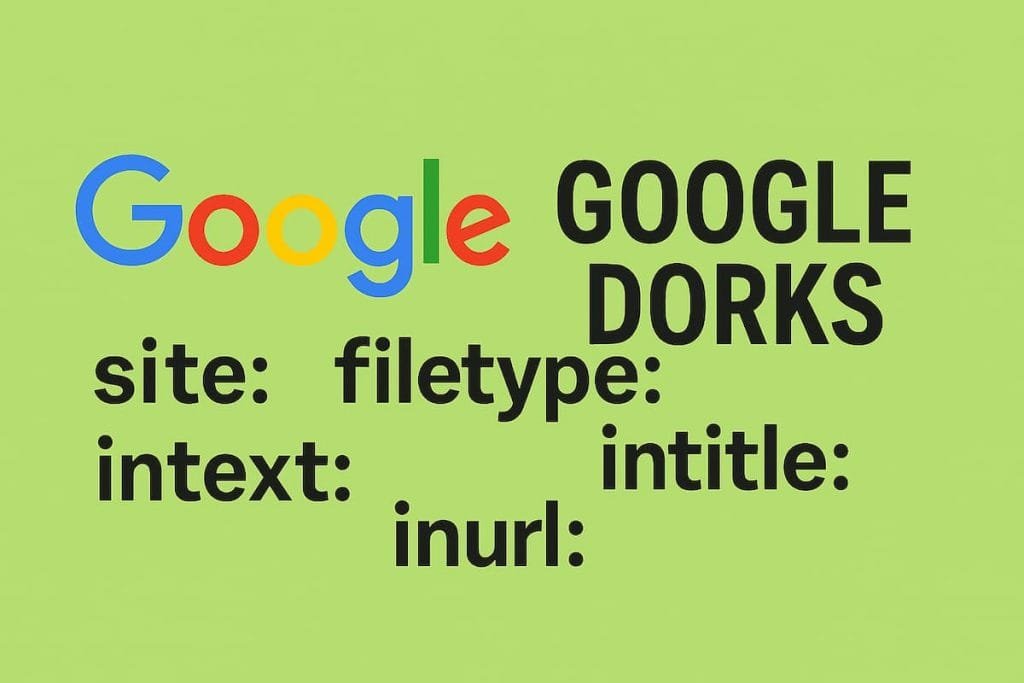
intitle:
Finds pages with specific words in the title.
Example:intitle:"index of" confidential
Often used to locate open directories.
inurl:
Targets keywords inside URLs.
Example:inurl:admin login
Useful to identify login panels or restricted areas.
filetype:
Searches for specific file formats.
Example:filetype:pdf internal report
This can reveal documents, reports or leaked files.
site:
Limits results to a specific domain.
Example:site:example.com password
A powerful way to audit a website.
cache:
Shows stored versions of pages.
Helpful when content has been removed but remains indexed.
Practical use cases
Investigative journalism
Reporters use Google Dorking to locate documents, archives and hidden datasets.
It often leads to sources that are not easily discoverable.
Cybersecurity analysis
Security professionals use it to identify exposed assets.
Misconfigured databases, open directories, sensitive files.
Finding them early can prevent incidents.
Competitive intelligence
Companies monitor competitors’ digital footprints.
Presentations, internal documents, or forgotten staging environments can appear.
Step-by-step: how to start
Step 1: define your objective
Searching without a goal leads nowhere.
Decide what you want: documents, emails, login pages.
Step 2: choose the right operator
Each operator narrows the field.
Combine them for better precision.
Example:site:company.com filetype:xls budget
Step 3: refine your query
Add filters. Remove noise.
Try variations. Small changes lead to different results.
Step 4: verify what you find
Not everything indexed is accurate or current.
Cross-check sources before drawing conclusions.
Risks and ethical boundaries
Google Dorking sits in a gray zone.
The data is public. Accessing it is legal in many contexts.
Using it without caution can cross ethical lines.
Sensitive data should never be exploited.
The goal is analysis, not intrusion.
Limitations you should know
Google does not index everything.
Private databases, encrypted systems and protected networks remain out of reach.
Results also depend on location and personalization.
Blind trust in search results leads to errors.
Why most people fail with Google Dorking
They search like users, not like analysts.
They expect instant answers.
They ignore context.
Google Dorking rewards patience and method. Without both, it becomes noise.
Google is not just a search engine.
It is a map of what has been exposed.
Learning how to read that map changes how you see the web.
Want to go deeper into OSINT techniques?
Explore more guides on ProjectOSINT and start building your investigative workflow today.
Join our community and subscribe:
-Newsletter: https://projectosint.substack.com/
-Telegram: https://t.me/osintprojectgroup